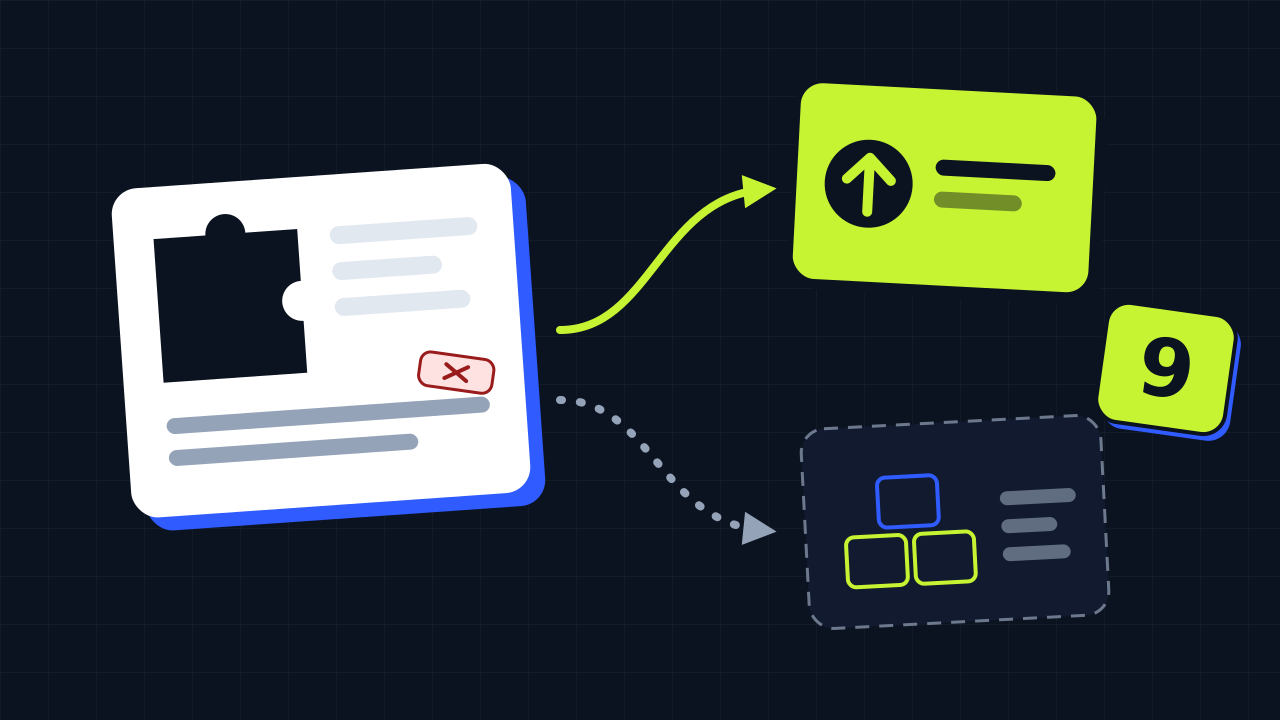
Your store moves to PrestaShop 9, but one module is no longer maintained by its developer. Should you have it upgraded or rebuilt? We upgraded dozens of modules written for PrestaShop 1.5 up to 8. In this article you will find the signs we look at, a quick self-check and what each route means for your store.
Why old modules break on PrestaShop 9
PrestaShop 9 is a bigger step than most version updates. A module that worked fine on 1.7 or 8 can stop the installation, break a page or, in the worst case, take the whole back office down with it. The causes are almost always the same:
- A newer PHP version. PrestaShop 9 needs PHP 8.1 or newer. Code that was written for PHP 5 or 7 runs into stricter types, removed functions and warnings that have become errors.
- A newer Symfony. PrestaShop 9 runs on Symfony 6.4 (PrestaShop 8 on Symfony 4.4). Modules that use Symfony services, forms or routes from the old version need to be adjusted.
- Removed core methods and constants. Functions that were deprecated for years, such as
Tools::displayPrice()orajaxDie(), are gone. A module that still calls them fails as soon as that code runs. - Libraries that are no longer shipped. Older modules sometimes rely on libraries that PrestaShop itself used to include, such as Guzzle 5 or SwiftMailer. On PrestaShop 9 they are simply not there.
- Overrides of changed classes. An override replaces part of a core class. When that class changes, the override can break the store or silently undo a fix.
Read more about the changes themselves in PrestaShop 9: what is new and PrestaShop 9.2.
An upgrade is usually enough when
- the module installs and works on PrestaShop 1.7 or 8 today;
- the problems are removed methods and constants (such as
Tools::displayPrice()orajaxDie()); - the module keeps its own logic in its own files and has few overrides;
- its templates use Smarty or Twig in the normal way, so the display layer can stay as it is;
- you are happy with what the module does and only need it to keep working.
Most of these fixes are mechanical: the module keeps doing exactly the same, only the code it calls is updated. Modules written for PrestaShop 1.5 and 1.6 often upgrade fine as well. Your settings and data stay where they are, and the module looks and works the same as before.
Consider rebuilding when
- the module builds a lot of HTML in PHP and prints it unescaped: making that safe means moving the whole display layer to templates;
- it overrides several core classes whose methods changed in PrestaShop 9;
- it depends on another module that is not upgraded (for example a payment base module);
- it bundles old libraries that PrestaShop 9 no longer ships, such as Guzzle 5 or SwiftMailer;
- it is very large and also has to pass the PrestaShop Validator;
- you want new features anyway, so you would change a large part of the code regardless.
A rebuild is not a failure of the old module. Sometimes the code simply grew over the years in a way that makes a clean upgrade more work than starting from a clear design.
Quick self-check
| What you see | Points to |
|---|---|
| The module works on PrestaShop 8 and only fails on 9 | Upgrade |
| Errors mention a removed method or class | Upgrade |
| The module has no or few overrides | Upgrade |
| Pages of the module are built as HTML strings in PHP | Rebuild, or a large upgrade |
| Several overrides of core classes | Rebuild, or a large upgrade |
| It needs another module that has no PrestaShop 9 version | Look at that module first |
| You want to change what the module does | Rebuild |
These are signs, not rules. A module can tick one box for rebuilding and still be upgraded without trouble. That is why we test before we give a price.
What to check before you decide
- Ask the developer first. Check the module page or PrestaShop Addons: there may already be a version for PrestaShop 9.
- List what the module does for you. Which functions do you actually use? A rebuild can leave out what nobody needs.
- Check the dependencies. Does the module need another module, a theme feature or an external service?
- Look at the overrides. In the back office under Advanced parameters > Information you can see whether overrides are active.
- Plan it with the store upgrade. If your whole store moves to PrestaShop 9, test all modules together on a copy. Read how we approach that in our PrestaShop upgrade service.
What we do
When you upload a module, we first test it in an isolated PrestaShop 9.2 shop and give a price based on what we find. If a module is better off rebuilt, we tell you before you pay. Have your module upgraded or ask us to check it.